

TWO SESSION CLASS
Lithophane Lightbox Project Class
Turn your own photo into a glowing, 3D-printed work of art
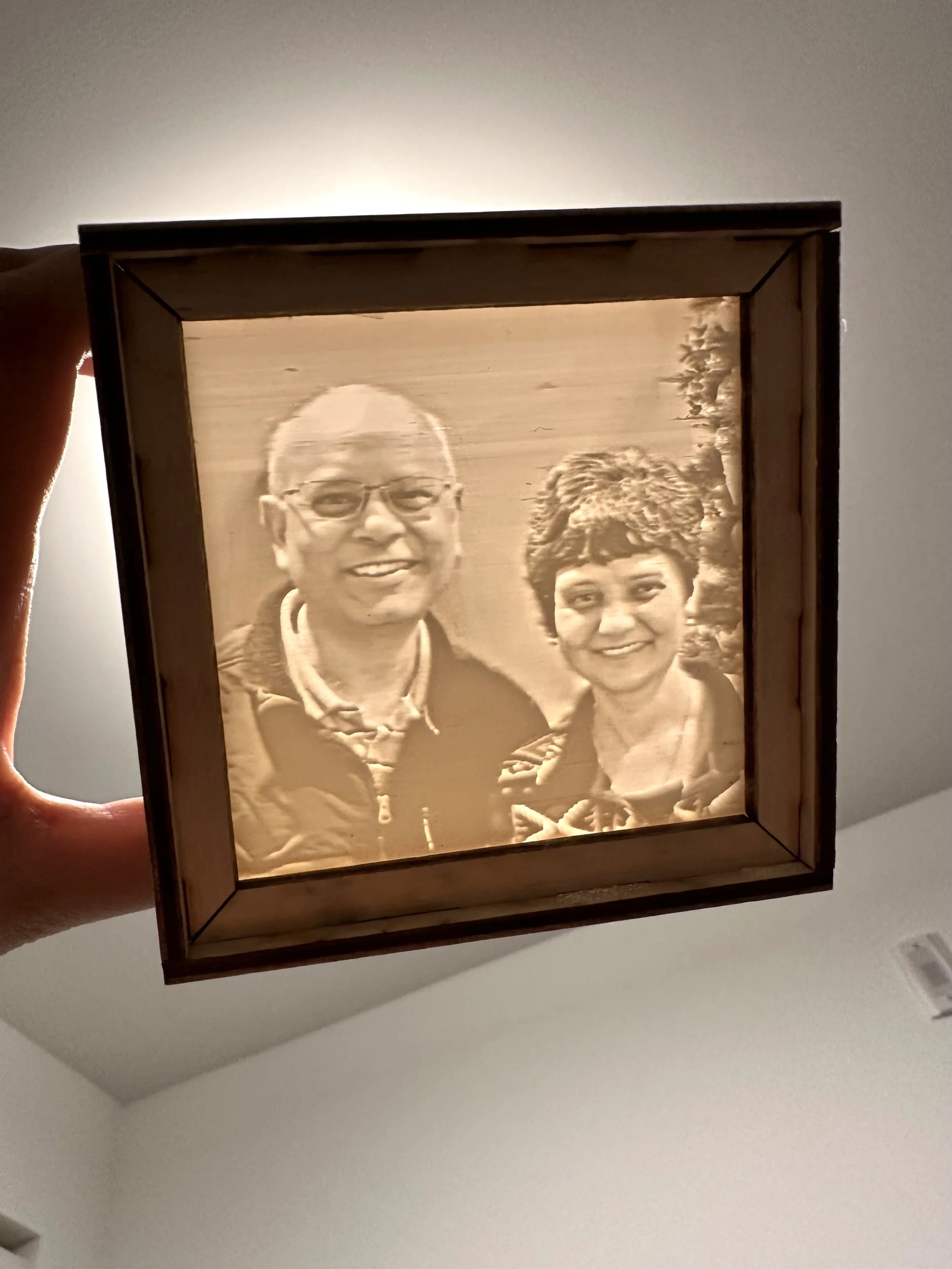
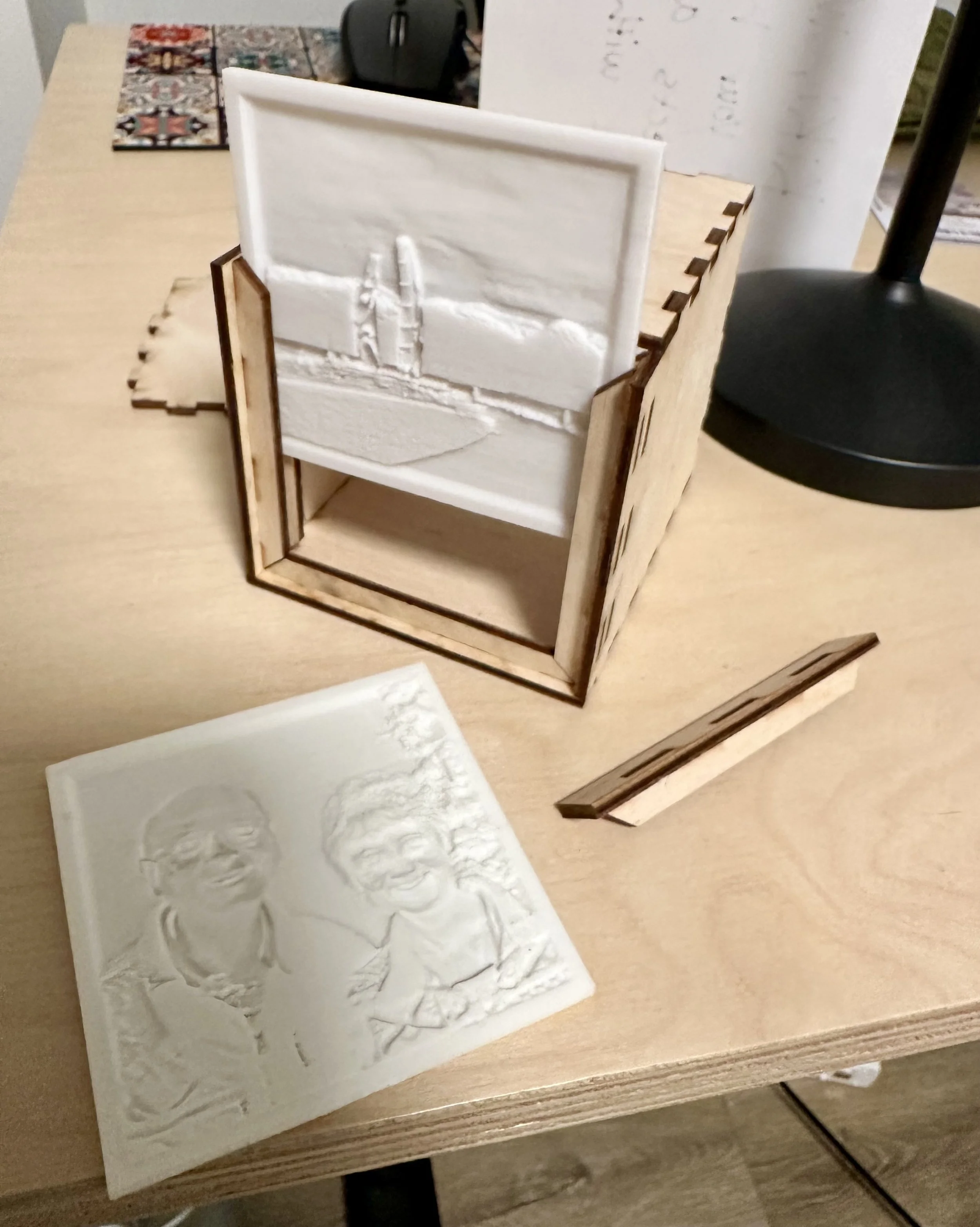
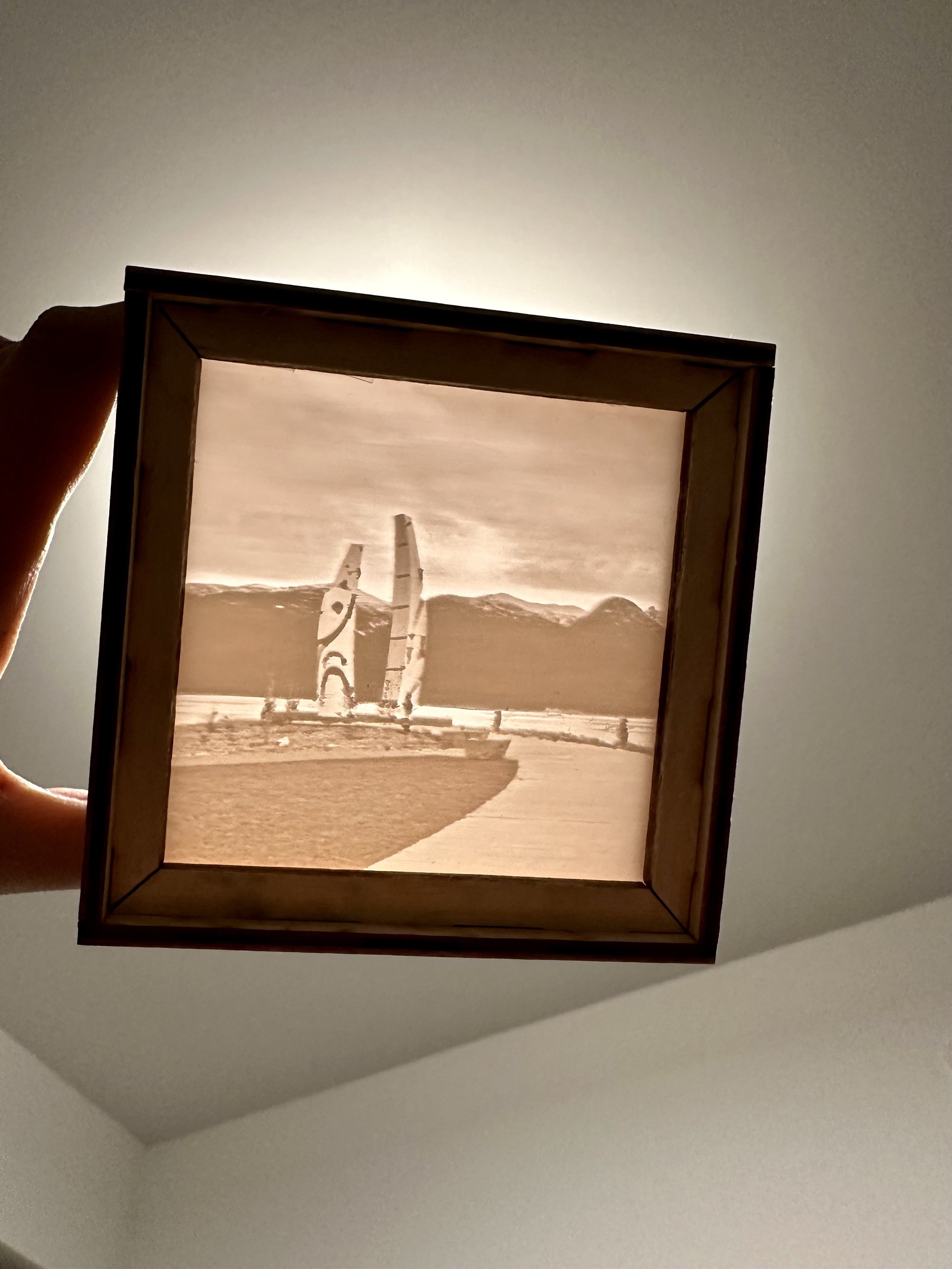
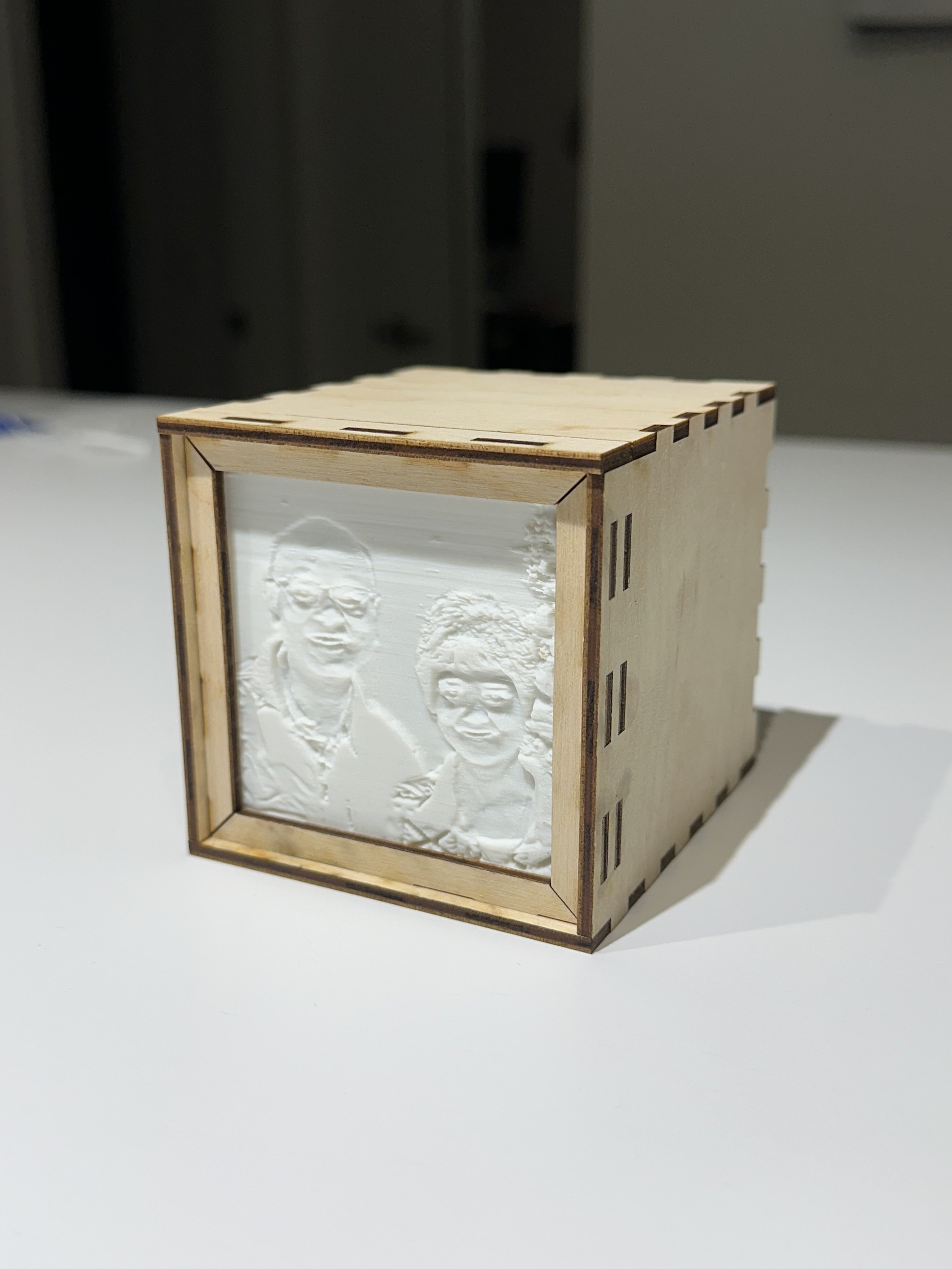
Class Overview
Transform a favourite photo into a luminous keepsake while learning two of our most popular digital-fabrication tools.
In this two-session project class, you’ll create a custom lithophane lightbox — a 3D-printed image panel paired with a laser-cut wooden box that glows beautifully when backlit.
Across two guided sessions, you’ll complete the full workflow for both machines. First, you’ll learn the essentials of 3D printing and prepare your image to be printed as a lithophane. Then, in the second session, you’ll design, customize, laser-cut, and assemble your lightbox using a pre-made template. By the end of class, you’ll take home a fully finished piece ready to display or illuminate with an LED light of your choice.
This class also functions as certification for 3D Printer Level 1 and Laser Cutter Level 1.
What You’ll Learn
In Session 1 (3D Printing):
The full introduction to 3D printing covered in our standard Level 1 class
How to prepare and slice files for FDM printing
Machine operation: loading filament, starting prints, and safe setup
How lithophanes work and how to convert your own photo into a printable file
Printing a small object in class to complete your 3D printer check-off
Setting up your lithophane file for printing between sessions
In Session 2 (Laser Cutting):
All core concepts from our Laser Cutter Level 1 course
Understanding materials, settings, and safety for the laser cutter
Editing and customizing a premade lightbox template with your own text or designs
Laser cutting and engraving your box components
How to assemble your lightbox and finish your final project
What’s Included
All materials for one lithophane lightbox
Access to the 3D printer and laser cutter during class
Instructor-prepared lithophane prints between sessions
Digital-fabrication instruction covering both Level 1 classes
Staff support during machine usage
Optional back panel designed with a cutout for adding an LED light at home
what to bring + Personal Safety
One high-contrast photo (JPEG or PNG preferred) to turn into your lithophane
USB Drive (Helpful, but not mandatory)
Laptop (Optional, but preferred if possible as we have a limited number of laptops available for class use)
Closed-toe shoes required
Avoid loose clothing and tie back long hair
Notebook & pencil (optional for notes)
Prerequisites
None. This class is beginner friendly.